Switching
Bring your salon across, balances and all.
Bring your clients, services and balances with you. Gift vouchers keep the codes your clients already hold.
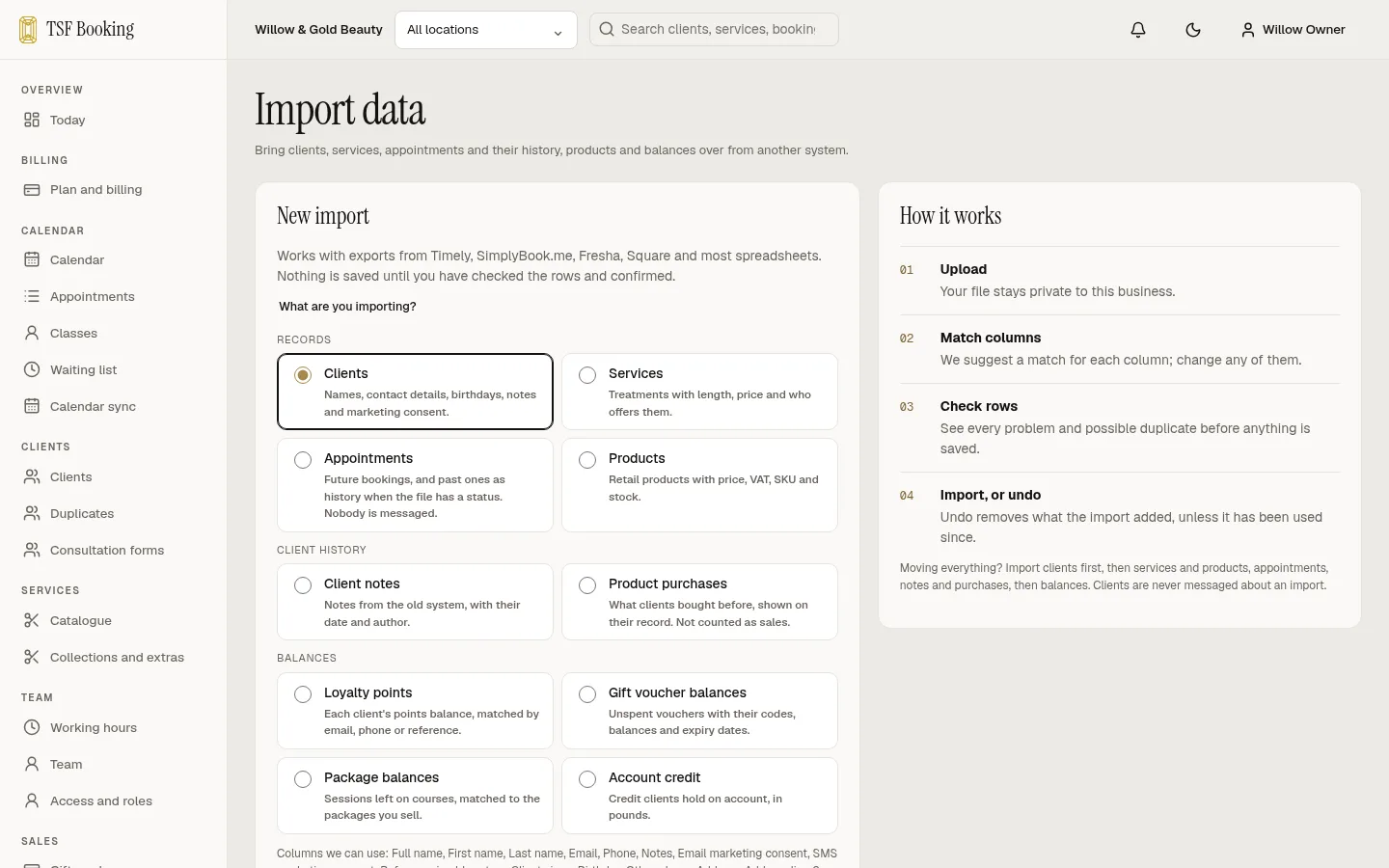
What comes across.
| What | How it comes across |
|---|---|
| Clients | Names, email addresses, phone numbers, addresses, birthdays and notes, plus email and text marketing consent where your file records a clear yes or no. |
| Services | Names, prices and durations. |
| Appointment history | Past and upcoming appointments, matched to your clients, services and team. |
| Client notes | Each note attached to the right client by email, phone or the reference from your client import. |
| Products and purchases | Your retail products, and what each client has bought. |
| Gift vouchers | Remaining balances, with the codes your clients already hold. |
| Packages and courses | What each client has left. |
| Loyalty points and account credit | Each client’s balance. |
How it works
Seven steps, checked as you go.
Nothing is saved until you have checked the rows, and an import can be undone.
- Start your trial and add your business name and booking address.
- Export your clients and services from your current system as a CSV file.
- Open Data, then Import. Choose the file, check the suggested columns and run the dry run.
- Confirm the import. You can undo it if something looks wrong.
- Import balances for gift vouchers, packages, loyalty points and credit if you have them.
- Add your team and their hours, then connect Stripe for deposits.
- Put your new booking link on your website, Instagram and Google profile.
Checks
Checked before anything is saved.
The import reads a CSV file of up to 12 MB or 60,000 rows, so a 50,000-row appointment history fits in one file. It suggests which of your columns matches which field, and you can change any of them.
A dry run then lists any problem row by row before anything is saved. Possible duplicate clients are shown for you to decide: skip the row, merge it into the client you already have, or create a new one.
Importing the same file twice is caught, so nothing is doubled. Owners and managers can import; practitioners cannot.
Time
How long it takes.
Your booking page works from the day you start your trial, so you can take bookings while you move across. The parts that need you are exporting from your old system and checking the dry run.
The import itself runs in the background in batches, and you can keep working in the diary while it finishes. Each import has a report showing what happened to every row.
Questions
Switching, answered.
How long does switching take?
Your booking page works from the first day of your trial. The import runs in the background while you carry on, so the time goes on exporting from your old system and checking the dry run.
What file do I need?
A CSV export from your current system, up to 12 MB or 60,000 rows. For appointment history, notes, products, purchases and balances you can download our template and copy your columns across.
Will my clients’ gift voucher codes still work?
Yes. Imported vouchers keep their old codes, so a client can redeem the code they already hold.
Will I end up with duplicate clients?
No. The dry run shows possible duplicates, and you choose to skip, merge or create each one. Importing the same file twice is caught.
Can I undo an import?
Yes. Undo removes what that import created and puts back any client details it merged. Anything in use since, such as a client who has booked again, is kept and listed for you to check.
Does switching cost extra?
No. Importing is part of every plan, alongside every other feature.
7 days free
Open your diary today.
Set up your services and team, share your booking link and take your first deposit. 7 days free. Cancel any time.