Export before you cancel
Fresha says cancelling removes access to your workspace and unlists your marketplace profile, so export everything first.
- Clients: Clients, then Clients list, then Options, and export as Excel or CSV
- Appointments: the Appointments list, then Export, as PDF, CSV or Excel
- Gift cards: Sales, then Gift cards sold, then Export
- Reports such as the sales log: open each report, then Options. Reports export one at a time
Know what cannot move
Saved client card details stay with Fresha: its help centre says they are encrypted and cannot be exported or transferred. Clients add a card again when they next pay a deposit.
We found no Fresha export of the remaining balance on each gift card. Use the gift cards sold list with the gift card activity report, which shows issues, redemptions, expiries and refunds, and check the balance of each open card by hand.
Import into TSF Booking
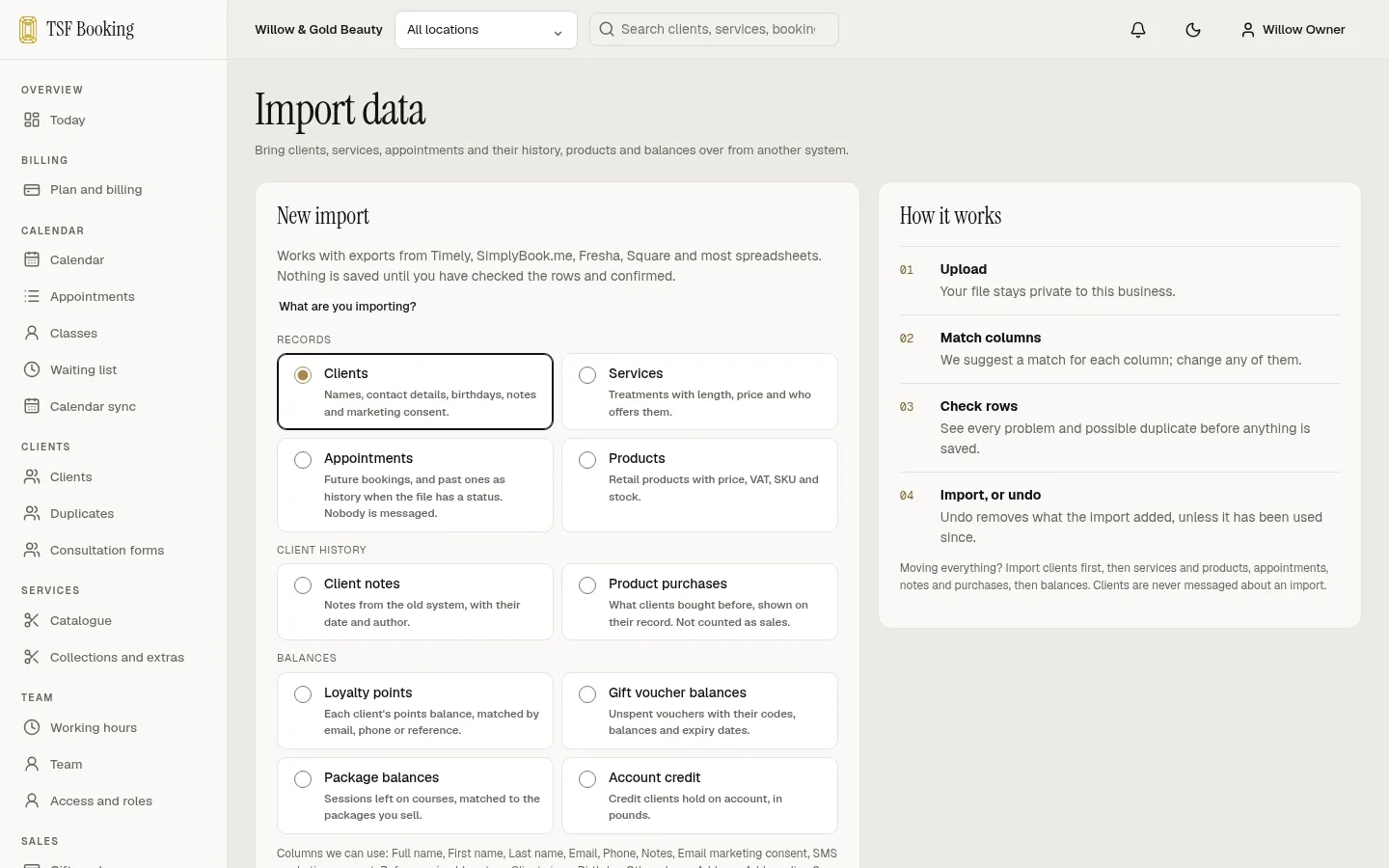
Export your clients and services from your current system as a CSV and import them. You check every row before anything is saved, and you can undo an import.
Import the appointments export too, so past visits and upcoming bookings sit in your new diary. Gift card balances are matched to clients by email, then phone, and keep the codes clients already hold.
Move your booking link
Put your new booking link on your website, Instagram and Google profile before you switch Fresha off, so clients never land on a closed page.
Cancel the plan
- In Fresha, open Settings, then Billing, then Subscriptions.
- Under Plan, choose Actions, then Cancel plan.
- Deleting the workspace is a separate, permanent step. Fresha asks you first to export your client list and sales log, unlist your profile, cancel future appointments and settle deposits, gift cards and memberships.
Questions
Can I move my clients’ saved cards?
No. Fresha says client card details cannot be exported or transferred. Clients enter their card again when they next pay.
When does Fresha bill?
Fresha charges plans on the first day of each calendar month and says there is no minimum commitment or long-term contract.
Will my Fresha gift cards still work after I move?
Yes, once you import the balances with their codes. Check each open card’s balance against Fresha’s gift card reports first.
Sources
- Fresha: Export your client list
- Fresha: Export reports
- Fresha: Manage gift cards
- Fresha: Gift card by time period report
- Fresha: Manage your Fresha plan
- Fresha: Delete your account