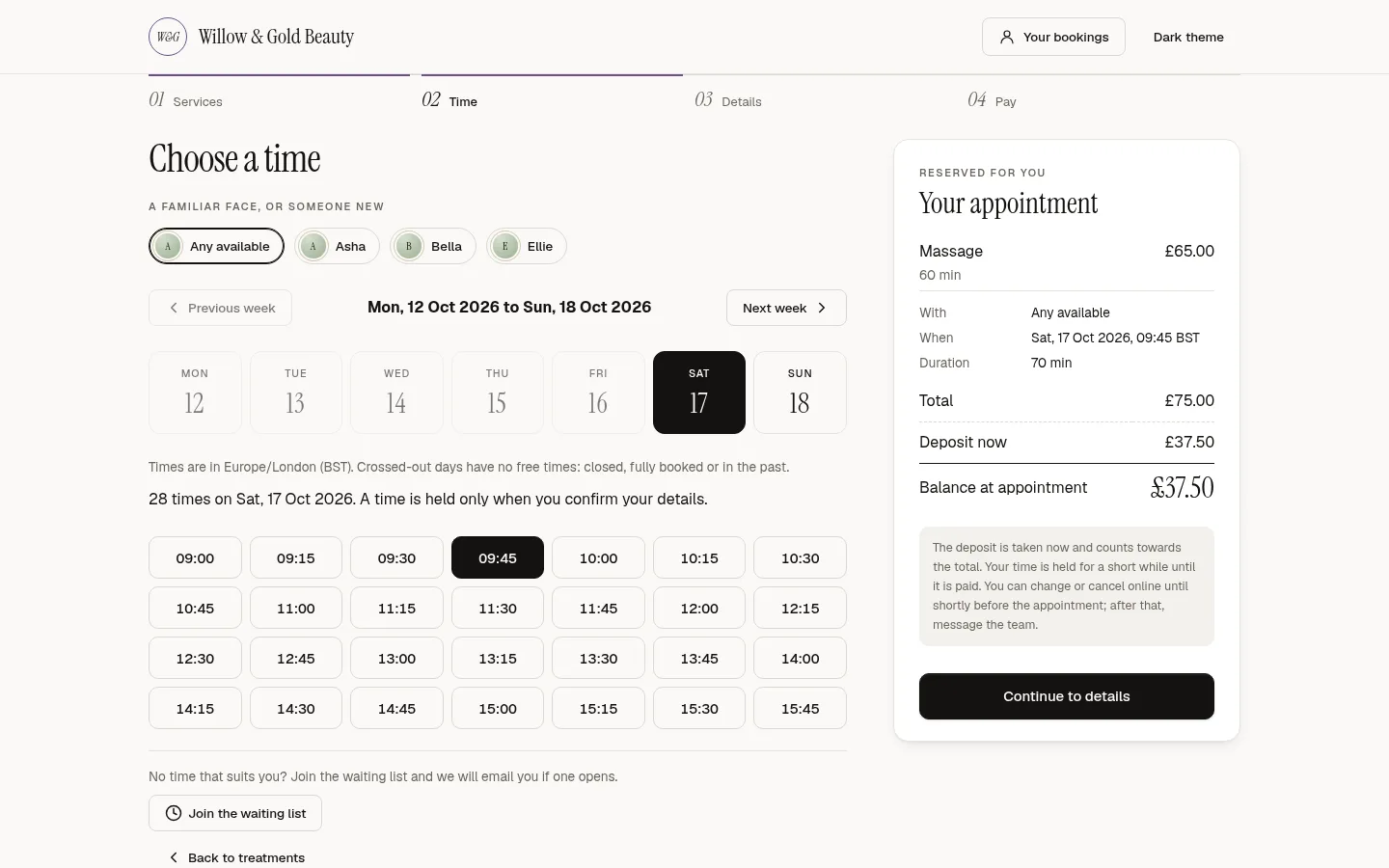
Decide what the consultation costs
A free consultation brings in more enquiries. A paid one, or a deposit, cuts no-shows on the consultation itself. In TSF Booking the consultation is a service like any other, with its own price and deposit rule: none, a percentage or a fixed amount. You can change the rule at any time.
Make the consultation come first
Set the consultation as the required service for each treatment, with a minimum gap between them. The booking page then asks for the consultation first, and a returning client with one on record books the treatment straight away.
Show the notice period before payment
Clients should see how much notice they must give, and what happens to the deposit, before they pay. TSF Booking shows the policy on the booking page and applies it the same way when a client cancels from their confirmation email.
Put a deposit on the treatment too
Size the treatment deposit to the time and product it ties up. At checkout the deposit already paid counts towards the bill, so the client pays the balance.
Keep the consent record
Send consultation questions and consent before the visit. Each consent records who agreed, when, where and the exact wording they saw.
Set it up in TSF Booking
- Connect Stripe in Settings, then Payments.
- Add a Consultation service with its price and deposit.
- Open each treatment, choose Consultation as the required service and set the gap.
- Add your consultation questions and consent wording.
- Book a test consultation on your own booking page.
Questions
Should a consultation be free?
It is your choice. A free consultation brings more enquiries; a paid one or a deposit cuts no-shows. Change the rule on the service whenever you like.
Where does the deposit go?
Deposits go straight to your own Stripe account. We add no fee on top; Stripe charges its standard card fees.
Can I refund a consultation deposit?
Yes. Refund it from the appointment, with a record of who refunded what and why.