Online booking with deposits, paid through Stripe.
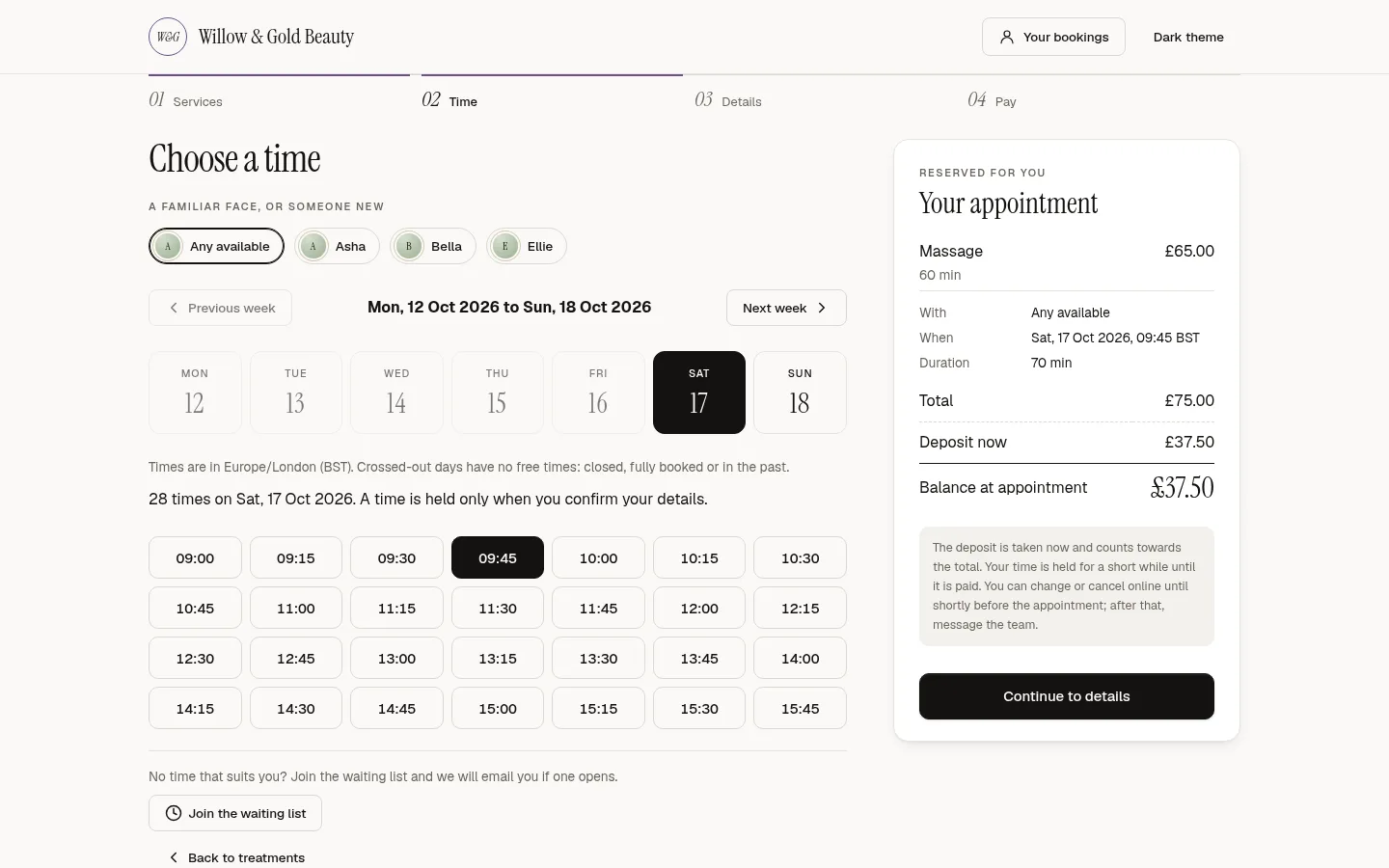
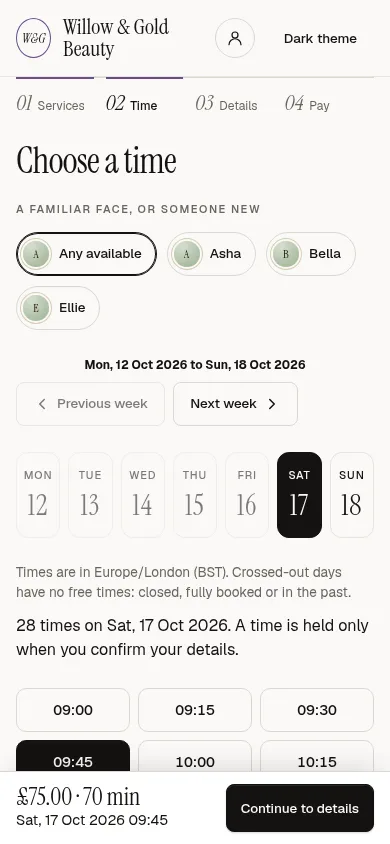
Take a deposit or full payment when the client books online. Each service has its own rule: none, a percentage or a fixed amount. The money goes straight into your own Stripe account, we add no fee on top, and Stripe charges its standard card fees. Your cancellation policy is shown before the client pays.
7 days free. Cancel any time. Then from €89 a month.
How it works
Deposits that follow your rules.
A rule per service
None, a percentage or a fixed amount, or full payment at booking. Put deposits on long and often-missed services and keep quick ones free.
Paid into your Stripe account
Connect your own Stripe account. Deposits, payments and refunds land with you, and we take nothing from your bookings.
Policy before payment
Clients see your notice period and what happens to the deposit before they pay. The same rule applies when they cancel from their confirmation email.
Refunds from the appointment
Refund a deposit from the appointment, with a record of who refunded what and why.
Payment links
Send a link from the appointment when a client pays later, or when your AI receptionist books by phone.
Reconciliation
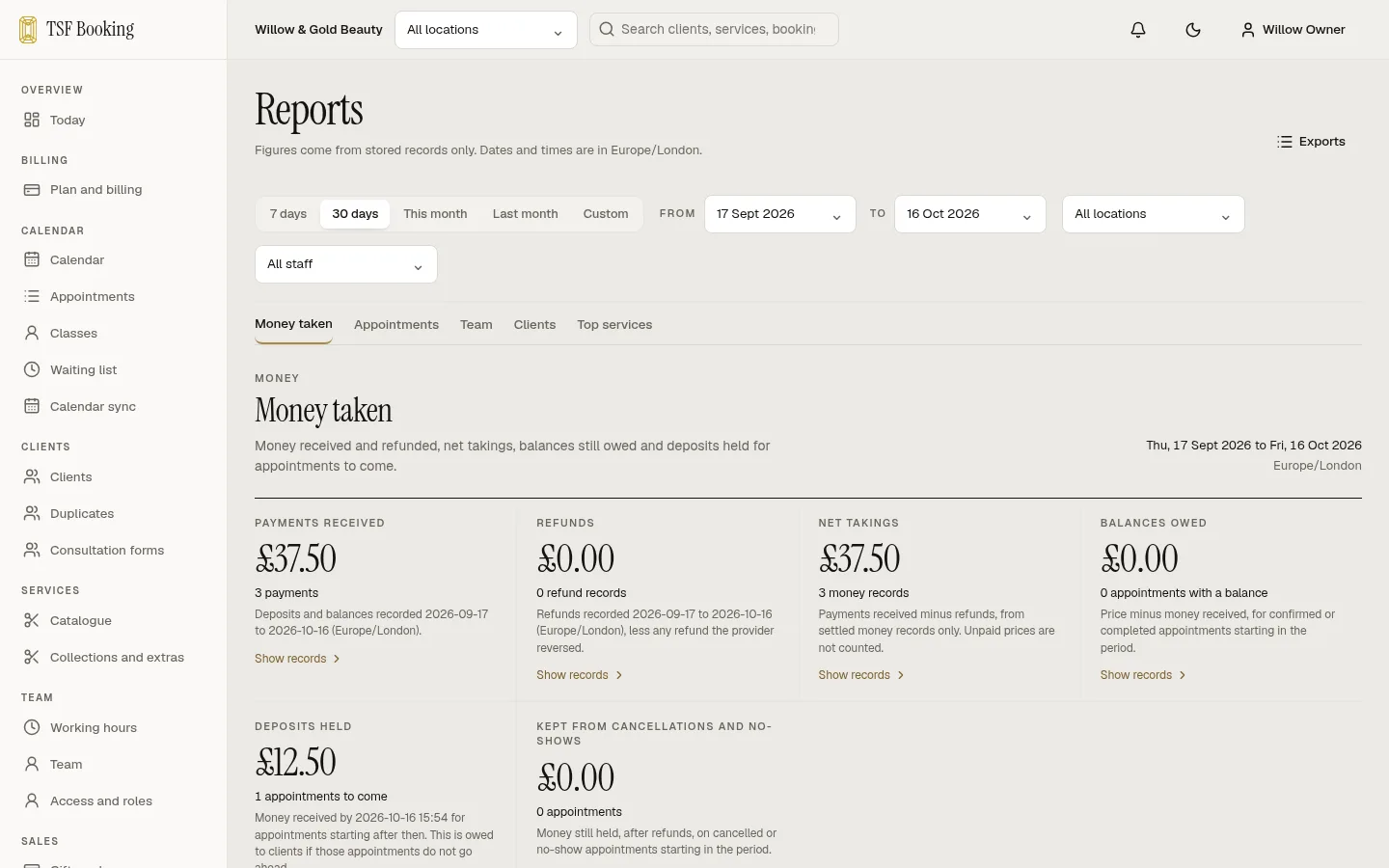
See what Stripe says against what the diary says, and the deposits held in your reports.
Set up
Your first deposit in minutes.
All of it works during the free trial.
- Connect your Stripe account in Settings, then Payments.
- Open a service and choose its deposit: none, a percentage or a fixed amount.
- Check your cancellation notice period.
- Book a test appointment on your own booking page.
Questions
Deposits, answered.
Do you take a cut of deposits?
No. Deposits and payments go to your own Stripe account. We charge a monthly subscription and add no fee on top; Stripe charges its standard card fees.
Do I need my own Stripe account?
Yes, and it takes a few minutes. Settings, then Payments, opens Stripe’s own sign-up for an account in your business’s name, with the full Stripe Dashboard. The account is yours.
Can some services have no deposit?
Yes. Each service has its own rule, so quick services can stay free to book while long ones take a deposit.
What happens to the deposit at checkout?
It counts towards the bill, so the client pays the balance.
Can a client pay with a gift card?
Yes. Gift cards and account credit can pay a deposit online.
Can my AI receptionist take a deposit?
It sends the client a deposit link, and the booking confirms when Stripe reports the payment.
7 days free
Open your diary today.
Set up your services and team, share your booking link and take your first deposit. 7 days free. Cancel any time.