Features
Everything you need to run a booked-out business.
Every plan includes every feature below, and the connection an AI receptionist books through. Plans differ only by team size, locations and monthly bookings.
Why TSF Booking
Built for AI and integrations
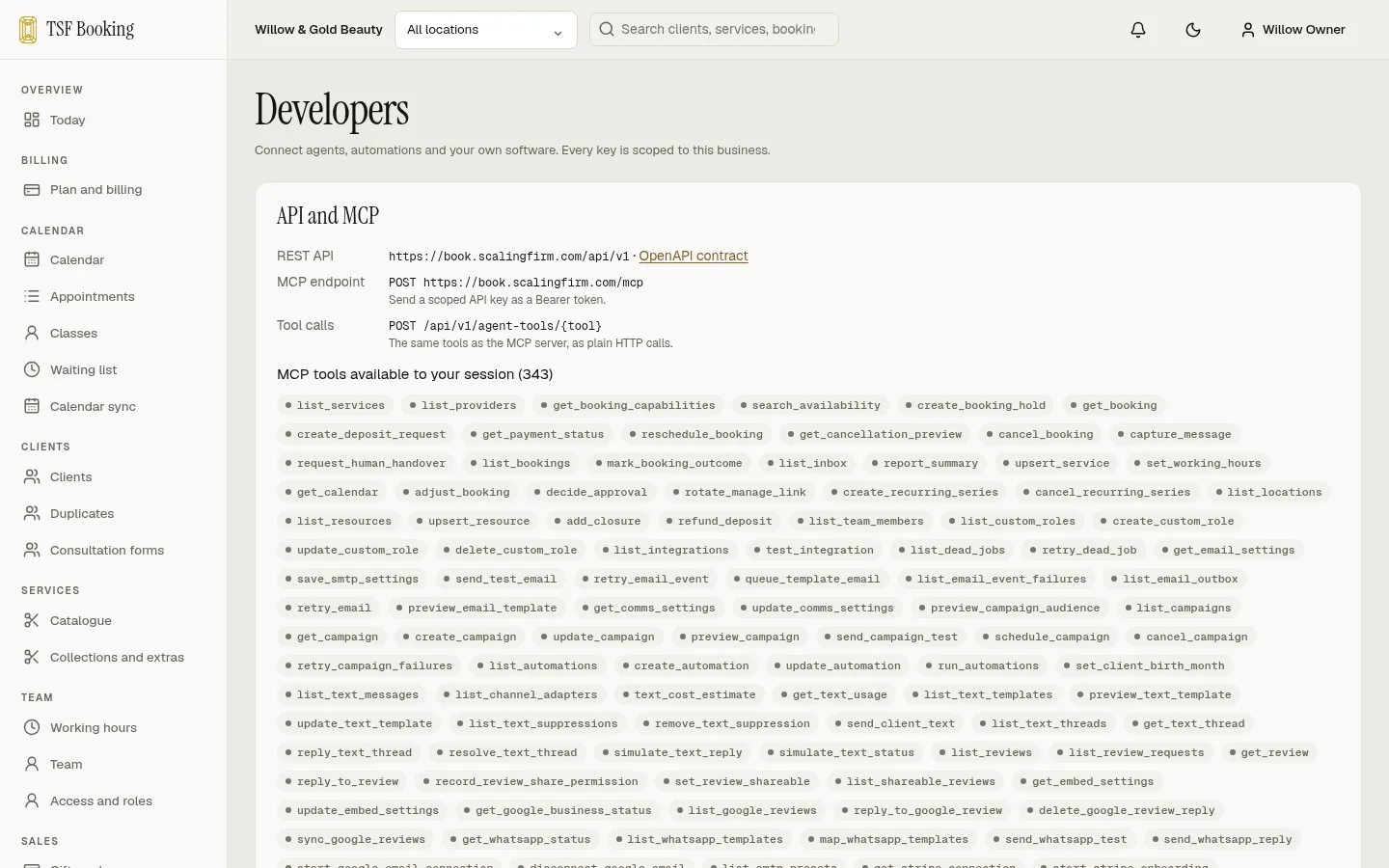
An MCP server, REST API and signed webhooks on every plan, so AI receptionists and your other tools work in the same diary.
No commission, ever
One monthly price per plan. Nothing taken from new clients, regulars or deposits.
Deposits to your own Stripe
Money lands in your own account, with the policy shown before the client pays.
Every feature on every plan
Plans differ only by team size, locations and monthly bookings.
Built for AI and integrations
AI and your other tools work in the same diary.
TSF Booking was built API-first. What your front desk does in the diary, an AI receptionist or your other software can do too, on every plan, with the same rules, permissions and audit trail.
- An MCP server with more than 300 tools, for Claude and any other MCP client
- A full REST API, documented in OpenAPI
- Signed webhooks for bookings, payments and messages
- A key per tool with only the scopes it needs, approvals for refunds, and every agent action in your audit trail
- Works with Stripe, Google Calendar, Google sign-in, your own email and voice AI agents
AI receptionist
Booking system with an AI receptionist built in.
Every plan includes an MCP server and REST API, so a voice or chat receptionist books into the same diary as your front desk. It checks real availability, holds a slot while the caller decides, sends the deposit link, and moves or cancels the caller’s own booking after checking who they are.
- The same availability, deposit rules and cancellation policy as your booking page
- Its own key with only the scopes it needs, revocable in one click
- Refunds and bulk changes can wait for a person to approve
- Every action it takes appears in your audit trail
- Anything it cannot handle goes to your inbox with the conversation
Deposits and Stripe
Deposits paid into your own Stripe account.
Take a deposit or full payment when the client books online. Each service has its own rule: none, a percentage or a fixed amount. The money goes straight into your own Stripe account, we add no fee on top, and Stripe charges its standard card fees. Your cancellation policy is shown before the client pays.
Email marketing
Email marketing built in.
Send newsletters, offers and automatic emails to clients who agreed to hear from you, straight from your booking system. Bring your Mailchimp list across in one upload, design emails with your own photos, and see which bookings followed each email. Email marketing is included free in every plan for a limited time.
Themes
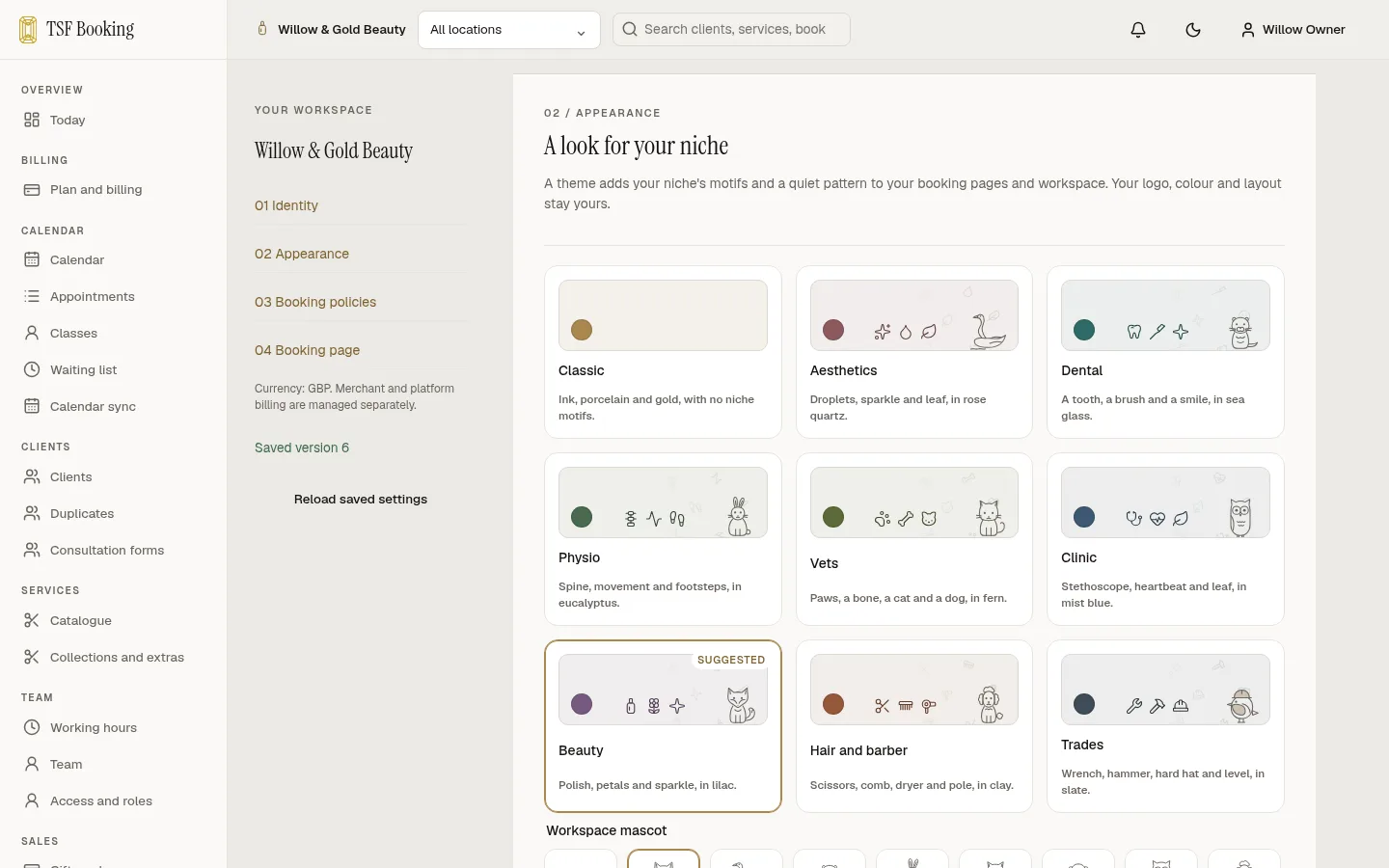
A look for your niche.
Choose a theme for aesthetics, dental, physio, vets, clinics, beauty, hair and barber or trades. It adds your niche’s motifs and a quiet pattern to your booking pages, and an optional mascot keeps you company in your workspace. Your logo, colour and layout stay yours, and every theme is on every plan.
Online booking
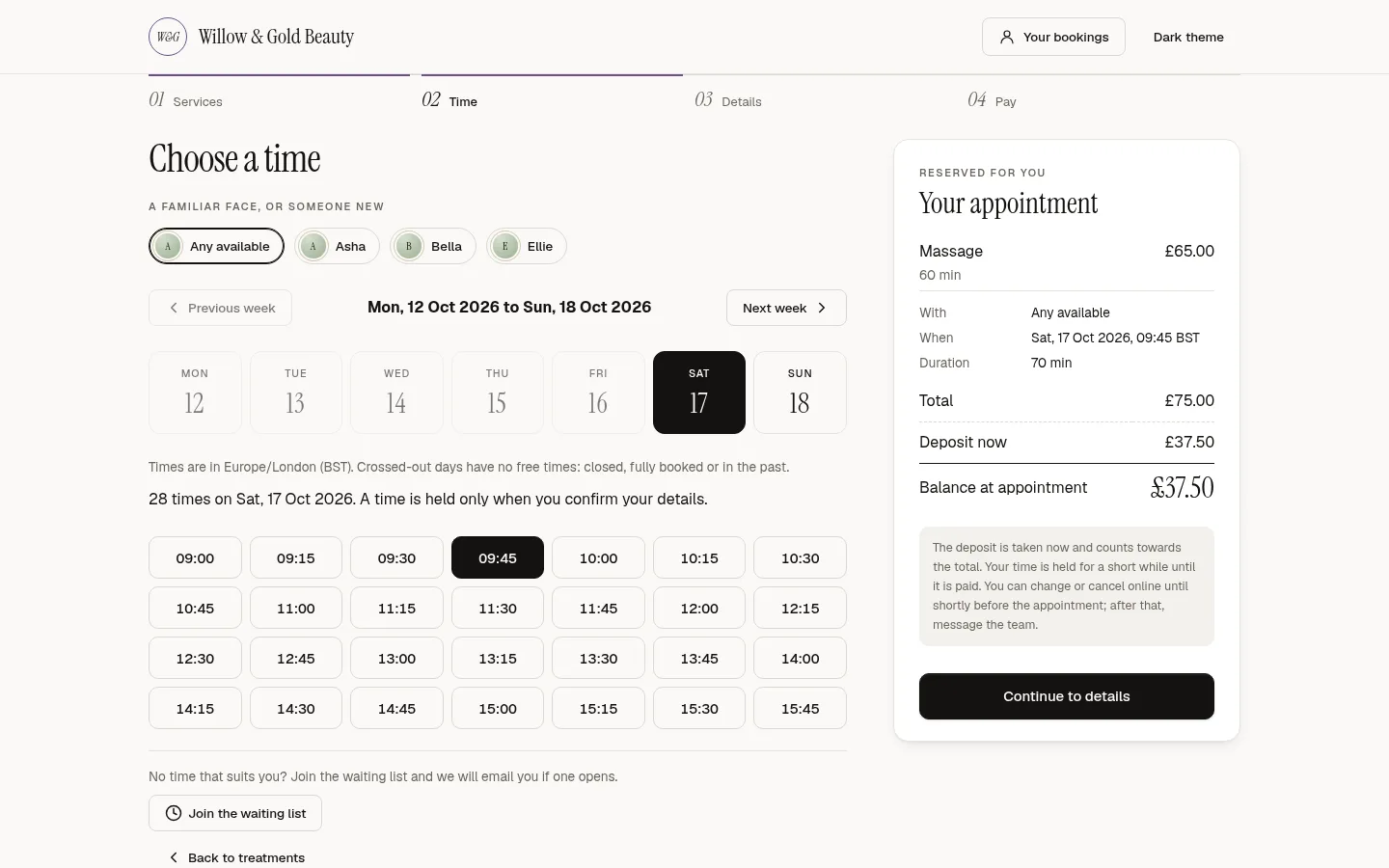
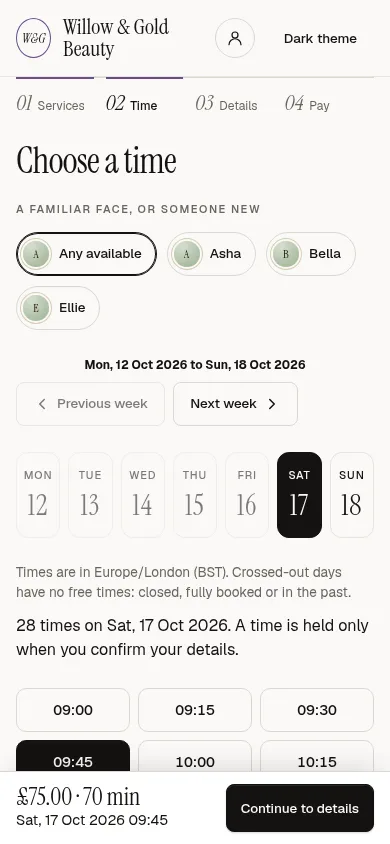
- Branded booking page
- Your name, colours and policies on a fast page that works on any phone.
- Several services per visit
- Clients book back-to-back services and add-ons in one go.
- Practitioner choice
- Clients pick a person or the first available.
- Deposits and prepayment
- Per-service deposit or full payment at booking, through Stripe.
- Self-service changes
- Reschedule and cancel from the confirmation email, inside your notice period.
- Intake forms
- Typed questions and consent sent before the appointment.
Diary and scheduling
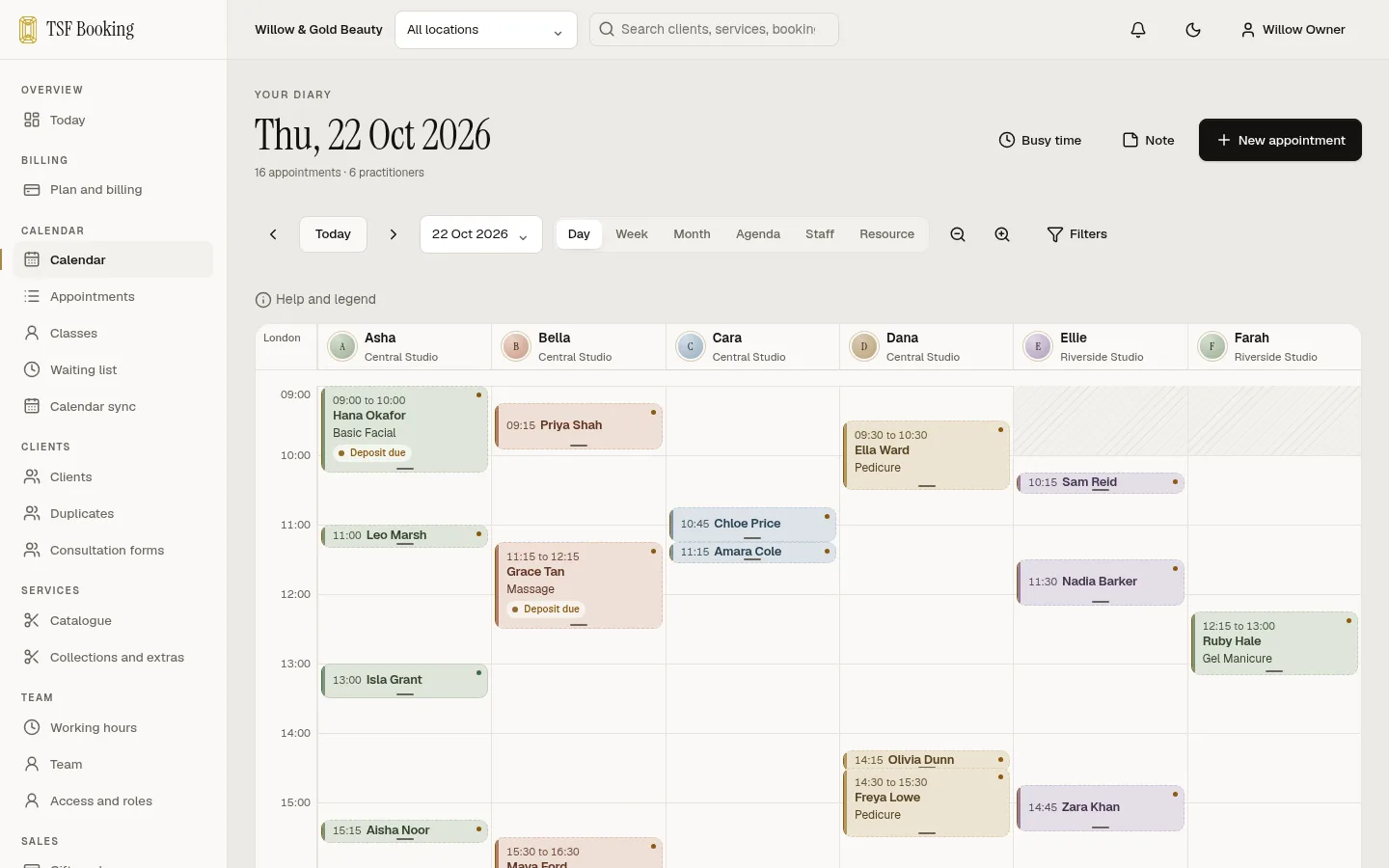
- Team diary
- Day and week views by person, room or equipment.
- Resources
- Rooms and equipment booked with the service, never twice.
- Hours and leave
- Working hours, split shifts, breaks, time off and business closures.
- Recurring appointments
- Series with clear conflict reports when a date will not fit.
- Approvals
- Hold chosen services for a person to approve before they confirm.
- Time zones
- Daylight-saving safe, shown in your business time zone.
Payments
- Stripe Connect
- Money goes to your Stripe account. We take no cut of your bookings.
- Cancellation policy
- Shown before booking and applied the same way every time.
- Refunds
- Refund a deposit from the appointment with a full record.
- Payment links
- Send a link when a client pays later.
- Reconciliation
- See what Stripe says against what the diary says.
Clients
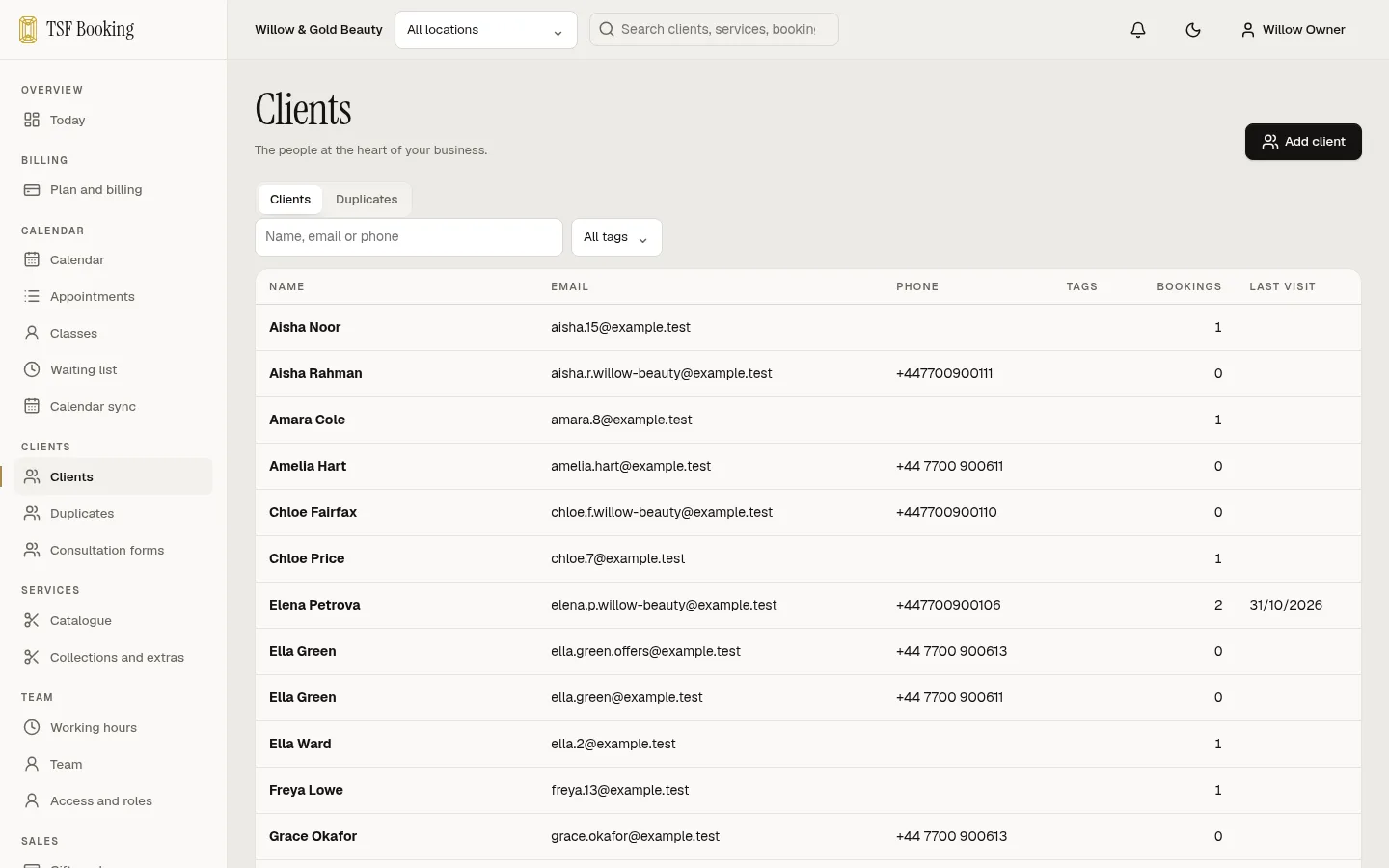
- Profiles
- Visits, payments, messages, notes, tags and forms together.
- Consent records
- Who agreed to what, when, where and with which wording.
- Duplicates
- Review likely duplicates and merge them safely.
- Uploads
- Protected files such as signed forms and photos.
- Privacy controls
- Choose whether practitioners see client contact details.
Team and security
- Roles
- Owner, manager, receptionist and practitioner, with clear limits.
- Invitations
- Invite staff by email; they choose their own password.
- Google sign-in
- One-click staff sign-in with Google.
- Two-factor
- Authenticator-app codes and recovery codes.
- Sessions
- See and end active sessions.
- Audit trail
- Every change by people, API keys and AI agents.
Messages and calendars
- Your own email
- Send from your address through your own mail server.
- Templates
- Confirmation, change, cancellation, reminder and payment emails.
- Calendar invites
- Every confirmation carries a calendar file.
- Google Calendar
- Two-way per practitioner: busy time in, appointments out.
- Failed message recovery
- See what did not send and retry it.
Checkout and retail
- Checkout from the diary
- Open the sale from the appointment; any deposit already paid counts towards the bill.
- Products and stock
- Variants, SKUs and barcodes, stock per location, counts and low-stock lists.
- Payments at the desk
- Cash with change and drawer counts, card on your own reader, gift cards, credit and split payments.
- Tips and discounts
- Tips per staff member; manual discounts need a reason and a manager.
- Receipts and refunds
- Numbered receipts by email or print; refunds per item with restock.
- End of day
- Takings by payment type and VAT rate for each location.
Gift cards, offers and loyalty
- Gift cards online
- A branded gift card page; the card is issued only once payment clears.
- Redeem anywhere
- Gift cards and account credit pay deposits online and bills at the desk.
- Offer codes
- Percentage or fixed, with dates, minimum spend, use limits and first-visit offers.
- Loyalty points
- Points on card payments, taken back on refunds, swapped for credit.
- Referrals
- Both clients are rewarded after the friend’s first paid visit.
Packages and memberships
- Courses of sessions
- Sell a course at the desk; clients use a session each time they book.
- Fair use
- Sessions return on a timely cancellation; late cancellations follow your rules.
- Expiry notices
- Clients get a reminder before unused sessions expire.
- Memberships
- Monthly or yearly plans with included sessions, carry-over, member prices and priority booking.
- Recurring card payments
- Members pay through your own Stripe account. Renewals, declined payments and grace periods are tracked for you.
- Pause and cancel by your rules
- Pauses, notice periods and minimum terms follow the terms each member accepted.
Client accounts
- Sign in with a code
- No passwords for clients: an emailed code or link, tied to your business.
- Manage appointments
- See upcoming visits, move or cancel within your policy and pay deposits.
- Balances in one place
- Gift cards, credit, loyalty points, packages and memberships.
- Preferences and data
- Clients update contact preferences and download their own data.
Reports and data
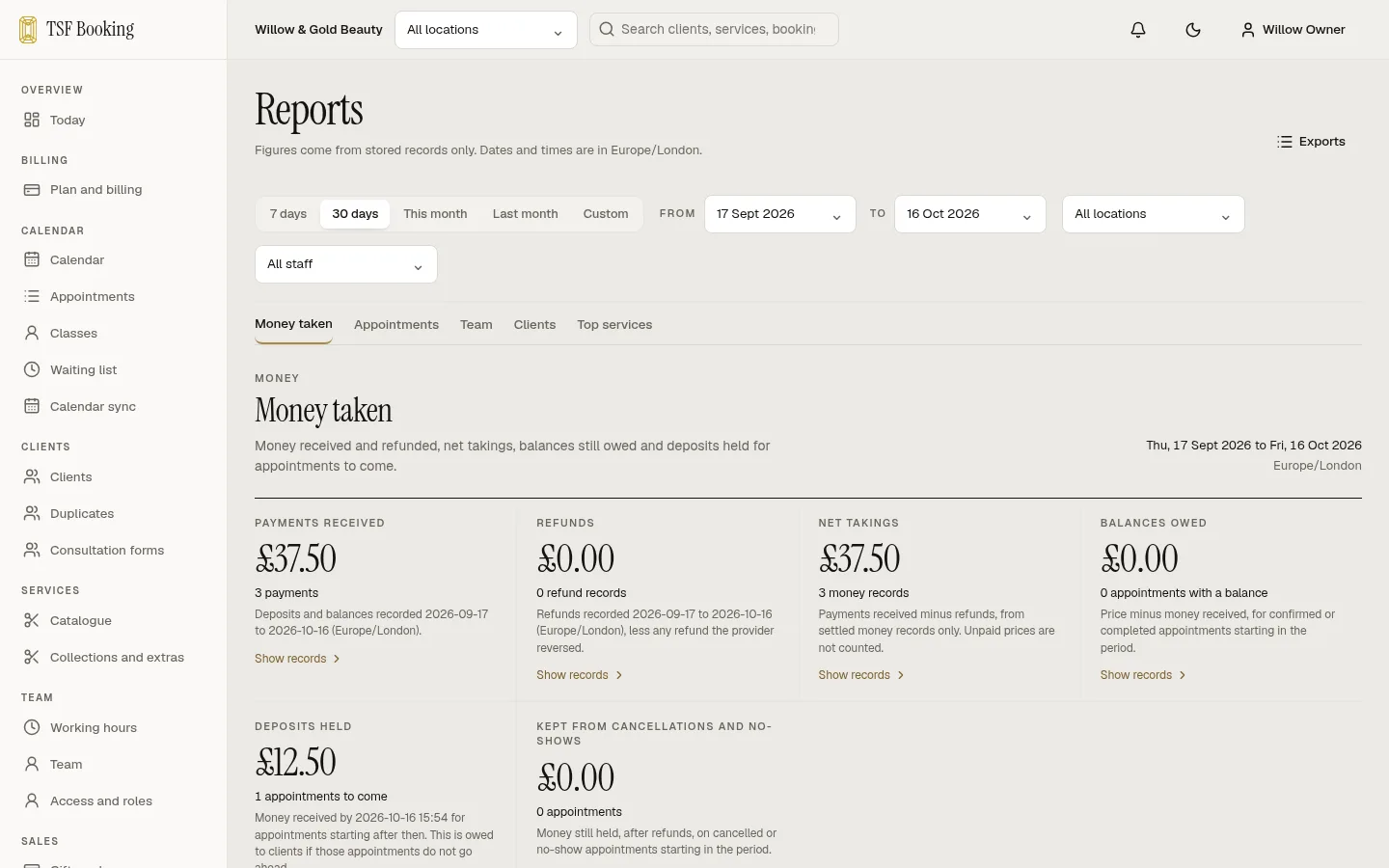
- Takings and deposits
- Money taken, refunds, deposits held and balances owed, by period and location.
- Team and clients
- Utilisation, no-show and late-cancel rates, new versus returning and rebooking.
- Every figure explained
- Each number opens the records behind it.
- Import
- CSV import with suggested columns for SimplyBook, Fresha and Square, a dry run and undo.
- Export
- Clients, appointments, payments and services as CSV, on demand or weekly.
Automation
- REST API
- Versioned, documented with OpenAPI, on every plan.
- MCP server
- Connect Claude or any other MCP client to your diary.
- Signed webhooks
- Bookings, payments and messages pushed to your tools.
- Scoped keys
- Give each tool only what it needs.
- Human handover
- Agents pass conversations to a person with context.
Email marketing
- Bring your Mailchimp list
- Upload Mailchimp’s export as it is: consent dates kept, unsubscribed and bounced addresses blocked, tags brought across, and undo if needed.
- Grow your list
- An unticked news and offers box on your booking page, a sign-up page with email confirmation, an embed and a QR code.
- Designed emails
- Your logo, photos and buttons, laid out for phones, from six salon templates or your own.
- Segments
- Save groups such as clients not seen in eight weeks, which stays up to date by itself, or by tags, services, spend, birthday month or a package.
- Automations
- Welcome, thank you after a first visit, aftercare, rebook, we miss you, birthday and missed appointment, with follow-ups that stop if the client books.
- Results
- Bookings made within seven days of each email, with opens and link clicks.
7 days free
Open your diary today.
Set up your services and team, share your booking link and take your first deposit. 7 days free. Cancel any time.